

Here is something worth saying out loud before you read another word.
Almost every “best SEO tools” list on the internet is published by a company that sells an SEO tool. And in almost every one of those lists, that company ranks itself first.
We do not sell an SEO tool. Resourcera has no product to push here, which means we can tell you when a tool is overpriced, when the free version is enough, and when the market leader is not actually the best pick for the job.
I have spent the last few years running SEO for a content site, which means I have paid for most of these tools with real money, canceled a few of them, and gone back to the free ones more than once. That experience shaped this list.
Below you will find the 15 most popular SEO tools in 2026, each one covering a different SEO job. Keyword research, competitor research, backlinks, site audits, content, AI visibility, rank tracking, and analytics. Every price here was checked in July 2026.
Best 15 SEO Tools: Quick Overview
Here are all 15 tools side by side. If you want to scan quickly, this table will get you most of the way to a decision. Full breakdowns follow below.
| Tool | Best For | Free Plan or Trial | Starting Price | Rating |
|---|---|---|---|---|
| Semrush | All-in-one SEO and competitor research | Limited free plan, 7-day trial | $139.95/mo | 4.7 |
| Ahrefs | Backlink analysis | Free Webmaster Tools, no trial | $29/mo (Starter) | 4.6 |
| Google Search Console | Every website owner | Free forever | Free | 5.0 |
| Google Analytics 4 | Traffic and conversion analysis | Free forever | Free | 4.4 |
| Screaming Frog | Technical site audits | Free up to 500 URLs | £199/yr | 4.7 |
| Surfer | Content optimization | No free plan, 7-day guarantee | $99/mo | 4.4 |
| Nightwatch | Rank tracking and local SEO | 14-day trial | ~$32/mo | 4.5 |
| SE Ranking | Best value all-in-one suite | 14-day trial, no card | $129/mo | 4.6 |
| Moz Pro | Beginners and Domain Authority | 30-day trial | $49/mo | 4.0 |
| Mangools | Budget keyword research | Free tier, 10-day trial | $49/mo | 4.3 |
| Rank Math | On-page SEO in WordPress | Free version | ~$8.99/mo | 4.6 |
| Clearscope | Editorial content teams | No free trial | $129/mo | 4.4 |
| Profound | Enterprise AI visibility | No free plan | $99/mo | 4.2 |
| LowFruits | Keyword research for new sites | Free first analysis | ~$25/mo | 4.3 |
| ChatGPT | SEO strategy and briefs | Free version | $20/mo | 4.2 |
How We Compiled This List
We selected these tools based on the SEO tasks they perform, not their brand names. First, we reviewed their features and capabilities to understand where each tool fits best.
We then tested the tools ourselves and matched each one to the right type of user. A platform designed for an agency managing 30 clients may be too expensive or complex for a solo blogger. That is why every entry clearly explains who should use the tool and who may be better off skipping it.
We also verified all pricing directly from each company’s official pricing page in July 2026. Finally, we reviewed the limitations of every tool so you can understand both its strengths and weaknesses before making a decision.
15 Most Popular SEO Tools in 2026
These are the 15 tools worth your money and attention in 2026. Each one owns a specific SEO job, and I have been honest about where each one falls short.
1. Semrush- Best For Competitor Research
| Pricing | Pro $139.95/mo, Guru $249.95/mo, Business $499.95/mo. Semrush One (SEO plus AI visibility) from $199/mo |
| Best for | Competitor research and running SEO at scale |
| Free trial | Limited free plan, plus a 7-day trial on paid plans |
| SEO job it owns | Competitor research |
| Overall rating | 4.7 / 5 |
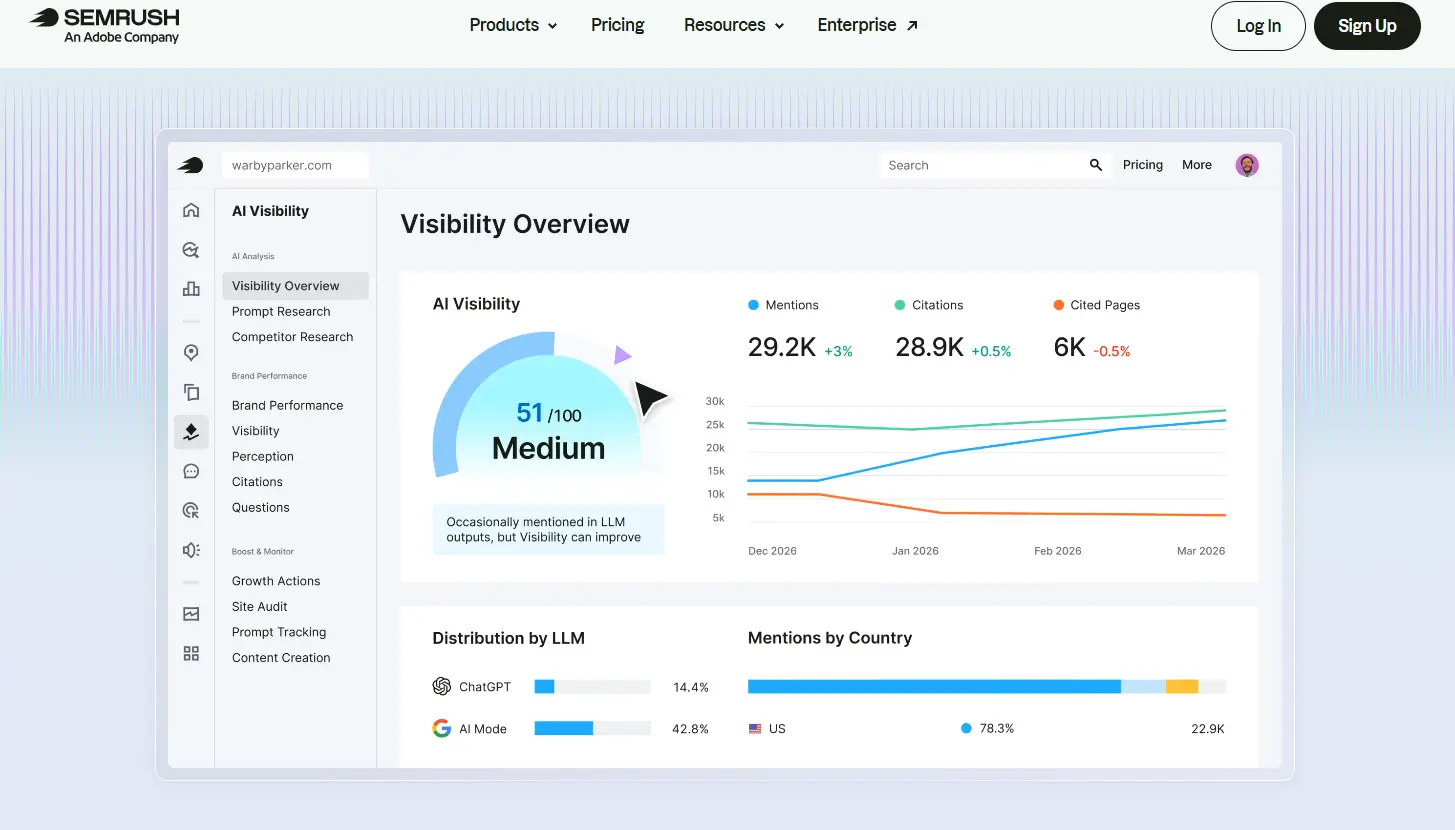
Semrush is the closest thing the SEO industry has to a default. It covers keyword research, backlinks, site audits, rank tracking, content, and paid search in one place, and it has done so for over a decade.
Its real strength is competitor research. Type in any domain and you get their organic traffic trend, the keywords driving it, the pages pulling the most visits, and the split between branded and non-branded search. The Keyword Gap tool then shows you every term they rank for and you do not. That is where most content plans should start.
In 2026 Semrush also tracks how your brand appears inside AI answers across ChatGPT, Perplexity, Gemini, and Google AI Overviews. That sits in the AI Visibility Toolkit, which is a $99 per domain add-on, or bundled into the newer Semrush One plans.
The catch is the price. Pro at $139.95 is one of the highest entry points in the category, and Pro does not include the Content Marketing Toolkit or historical data. Most people who buy Pro end up wanting Guru within a few months.
Key Features
- Keyword Magic Tool with a database of over 25 billion keywords
- Organic Research and Keyword Gap for competitor analysis
- Site Audit with prioritized technical issues
- Position Tracking across devices and locations
- Backlink Analytics and link building tool
- AI Visibility Toolkit for tracking brand mentions in LLMs
What I Like
- Competitor data is the best in the category, and it is not close
- One subscription genuinely covers most SEO jobs
- The AI visibility layer is more mature than most standalone tools
Limitations
- Expensive, and the useful features sit above the entry plan
- Extra user seats cost $45 to $80 per month each
- Rank tracking is less precise than a dedicated tracker
Who Should Use It
In-house SEO teams, agencies, and serious content publishers who will actually use the competitor data. If all you need is keyword research, this is overkill.
2. Ahrefs- Best Backlink Checker
| Pricing | Starter $29/mo, Lite $129/mo, Standard $249/mo, Advanced $449/mo, Enterprise from $1,499/mo |
| Best for | Backlink analysis and link building |
| Free trial | None. Ahrefs Webmaster Tools is free for your own verified site |
| SEO job it owns | Backlink checker |
| Overall rating | 4.6 / 5 |
If backlinks matter to your strategy, Ahrefs is still the tool to beat. It built its reputation on the largest and most frequently crawled backlink index in the industry, and that has not changed.
Site Explorer is where most of the work happens. Drop in any URL and you get referring domains, anchor text distribution, dofollow versus nofollow splits, and how the link profile has grown or shrunk over time. Do the same with a competitor and you have a link prospecting list in about ten minutes.
Keywords Explorer is excellent too, with parent topic mapping that stops you from writing five articles that should have been one. Content Explorer, which surfaces the best-performing content in any niche, only unlocks from the Standard plan at $249.
Ahrefs launched a $29 Starter plan in January 2026, which cut the entry price sharply. It is limited, but it is the only cheap way to test the data quality, because Ahrefs does not offer a free trial.
Key Features
- Site Explorer with the industry’s deepest backlink index
- Keywords Explorer with reliable difficulty scores
- Site Audit for technical crawling
- Content Explorer for link-worthy content ideas
- Rank Tracker for position monitoring
What I Like
- Backlink data quality is genuinely unmatched
- The interface is clean and fast
- The free Webmaster Tools tier is useful for your own site
Limitations
- No free trial at all, which makes the evaluation awkward
- The jump from Starter ($29) to Lite ($129) is steep, with nothing in between
- Extra seats cost $40 to $80 per month
Who Should Use It
SEOs who live in backlink data. If link building is core to what you do, this is the one to buy.
3. Google Search Console – Best for Search Performance Data
| Pricing | Free |
| Best for | Every single website owner |
| Free trial | Free forever |
| SEO job it owns | Search performance data |
| Overall rating | 5.0 / 5 |
Google Search Console is the only SEO tool that gives you first-party data straight from Google. Every other tool on this list is working from estimates. This one is not.
It shows you the exact queries people used to find your pages, how many impressions and clicks you got, your click-through rate, and your average position. You can filter all of it by page, country, device, and date. It also tells you which pages Google has indexed, which ones it cannot crawl, and why.
Here is the move that pays off most and almost nobody does. Filter the Performance report by a single page, then look at the queries it is picking up impressions for. You will almost always find keywords you never targeted, some of them better than the ones you did. That is free keyword research sitting in plain sight.
If you set up only one tool from this list, set up this one. I still open it more than anything else I pay for.
Key Features
- Query-level clicks, impressions, CTR, and average position
- Index coverage reporting with error reasons
- URL Inspection tool and indexing requests
- Core Web Vitals and mobile usability reports
- Sitemap submission
What I Like
- It is free and the data is real, not estimated
- The Performance report alone is worth more than most paid tools to a new site
- Works on any platform, not just WordPress
Limitations
- No competitor data whatsoever
- Data lags by two to three days
- History caps at 16 months
- Basic visualization compared to paid tools
Who Should Use It
Everyone. There is no valid reason not to have this set up.
4. Google Analytics – Best for Website Traffic and User Behavior Analysis
| Pricing | Free (GA4 standard). Analytics 360 is enterprise-priced |
| Best for | Understanding what visitors do after they land |
| Free trial | Free forever |
| SEO job it owns | Analytics |
| Overall rating | 4.4 / 5 |
Search Console tells you how people find you. Google Analytics tells you what they do next. You need both, and they answer completely different questions.
For SEO, the report that matters most is Reports, then Acquisition, then Traffic Acquisition, filtered to Organic Search. That gives you sessions, average engagement time, and bounce rate for every page pulling traffic from Google.
Look for pages where sessions are healthy but engagement time is under 30 seconds. That gap almost always means the content is not delivering what the searcher expected. It is one of the highest-value fixes available, and you cannot spot it in Search Console alone.
GA4 also connects to Search Console, so you can see organic acquisition and user behavior side by side.
Key Features
- Organic traffic and engagement reporting by page
- Event-based tracking for scroll depth, form fills, and clicks
- Search Console integration
- Exploration reports for custom funnels
- Free BigQuery export
What I Like
- Free, with essentially no data collection limits
- Connects organic traffic to actual business outcomes
- Event model is more flexible than the old Universal Analytics
Limitations
- The interface is genuinely hard to learn
- Reports are buried and unintuitive
- Attribution needs careful setup to be trustworthy
Who Should Use It
Every website owner. Install it on day one, even if you do not open it for a month.
5. Screaming Frog SEO Spider – Best For Technical Audit
| Pricing | Free up to 500 URLs. Paid licence £199 per year, per user (roughly $265) |
| Best for | Technical SEO audits |
| Free trial | Free version, capped at 500 URLs |
| SEO job it owns | Site audit |
| Overall rating | 4.7 / 5 |
Screaming Frog SEO Spider is a desktop crawler, and that is exactly why it is good. It runs on your machine, not in the cloud, so it crawls deeper and faster than most web-based audit tools, and it does not meter you with credits.
Point it at a URL, and it pulls the site apart. Broken links, redirect chains, duplicate titles, missing meta descriptions, thin content, missing H1s, canonical conflicts, hreflang errors, and page depth. For a large site, this level of detail is hard to get any other way.
The Issues tab does the prioritization for you, so you are not manually sifting through thousands of rows. Connect the Google Analytics and Search Console APIs before you crawl, and you can layer real traffic data on top of the technical findings, which lets you fix the problems on pages that actually matter first.
The free version crawls 500 URLs, which covers most small sites completely. The paid licence is a flat annual fee with no crawl limit, and at £199 it is one of the best value tools in SEO.
Key Features
- Full site crawl with no URL cap on the paid version
- Broken link, redirect, and duplicate content detection
- Google Analytics, Search Console, and PageSpeed API integrations
- Custom extraction using XPath, CSS, or regex
- Structured data validation and XML sitemap generation
What I Like
- Flat annual price instead of a monthly subscription with credits
- The depth of data is unmatched at this price
- Free tier is genuinely usable for small sites
Limitations
- It is a desktop app, so big crawls need a decent machine
- Point-in-time audits only, no ongoing monitoring
- The interface is dated and the learning curve is real
- No keyword data, no backlinks, no rank tracking
Who Should Use It
Anyone doing technical SEO. Run the free version first, and upgrade when you cross 500 pages.
6. Surfer – Best for Content Creation & Optimization
| Pricing | Essential $99/mo ($79/mo annual), Scale $219/mo ($175/mo annual), Enterprise from $999/mo |
| Best for | Optimizing content before you publish |
| Free trial | No free plan. 7-day money-back guarantee |
| SEO job it owns | Content creation and optimization |
| Overall rating | 4.4 / 5 |
Surfer sits between keyword research and writing. You enter a target keyword, it analyzes the pages currently ranking, and it gives you a live Content Score along with word count targets, heading structure, and the terms and entities you are missing.
The Content Editor works inside Google Docs and WordPress, so writers can optimize as they draft instead of pasting things back and forth. The Content Audit tool does the same job for pages you published two years ago and have not touched since, which is usually where the fastest wins are.
One warning from experience. Surfer is a guide, not a checklist. Chase a 100 score by stuffing every suggested term into your draft, and you end up with content that reads as if a robot wrote it. Use the score to catch gaps, then write like a person.
AI visibility tracking is available, but it is a $95 per month add-on rather than part of the base plan.
Key Features
- Content Editor with a real-time content score
- SERP Analyzer comparing the structure of top-ranking pages
- Content Audit for refreshing older articles
- Keyword research and clustering
- Google Docs and WordPress integrations
What I Like
- The fastest way to find what your draft is missing
- Google Docs integration fits how content teams actually work
- Content Audit is excellent for reviving decaying posts
Limitations
- No rank tracking or backlink data at all
- Expensive for what is essentially a single-purpose tool
- Credits do not roll over month to month
- Following every suggestion produces stiff writing
Who Should Use It
Content teams publish at least a few articles a month. If you publish once a quarter, it will not pay for itself.
7. Nightwatch – Best for Rank Tracking
| Pricing | From around $32/mo billed annually (250 keywords). AI Tracking add-on $99/mo |
| Best for | Daily rank tracking with location precision |
| Free trial | 14-day full-feature trial |
| SEO job it owns | Rank tracking |
| Overall rating | 4.5 / 5 |
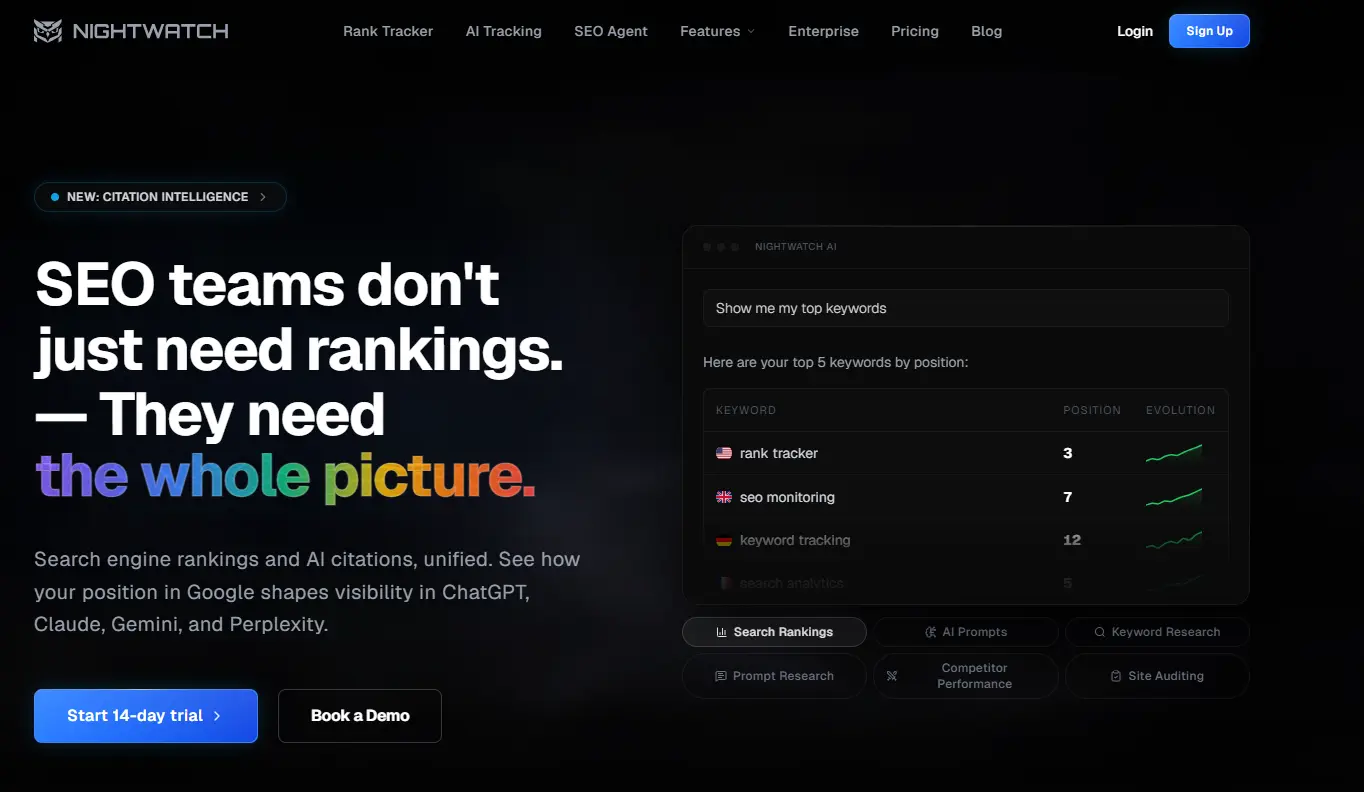
Nightwatch does one thing better than the big suites. It tells you exactly where you rank, every day, in every location that matters.
Most rank trackers were built when local SEO meant one or two cities. Nightwatch tracks across more than 100,000 locations worldwide, down to neighborhood level, across Google, Bing, and YouTube, on both mobile and desktop. If you run local SEO or serve multiple markets, that granularity is the whole point.
It has added AI search visibility tracking on top, so you can watch traditional rankings and AI Overview presence in the same dashboard. That sits behind a $99 per month add-on and is still in beta, so treat it as a bonus rather than the reason to buy.
For agencies, two things stand out. Reports are white-label, and every plan includes unlimited users, which is unusual in a market where Semrush charges $45 or more per seat.
Key Features
- Daily rank tracking across Google, Bing, and YouTube
- Over 100,000 location targets with city-level precision
- Competitor rankings plotted on the same graphs
- White-label, scheduled reports
- Unlimited user seats on every plan
- Site audit for technical issues
What I Like
- Unlimited seats is a real cost saving for teams
- Local rank tracking is the best available
- Transparent pricing with no hidden seat fees
Limitations
- Backlink analysis is thin, so pair it with Ahrefs or Semrush
- AI tracking is a paid add-on and still in beta
- Steeper learning curve than a beginner tool
Who Should Use It
Agencies, local businesses, and anyone who needs to know their rankings today rather than last week.
8. SE Ranking – Best for Affordable All-in-One SEO Management
| Pricing | Core $129/mo ($103.20/mo annual), Growth $279/mo ($223.20/mo annual), Enterprise custom |
| Best for | A full SEO suite without Semrush pricing |
| Free trial | 14-day free trial, no credit card required |
| SEO job it owns | Best value all-in-one |
| Overall rating | 4.6 / 5 |
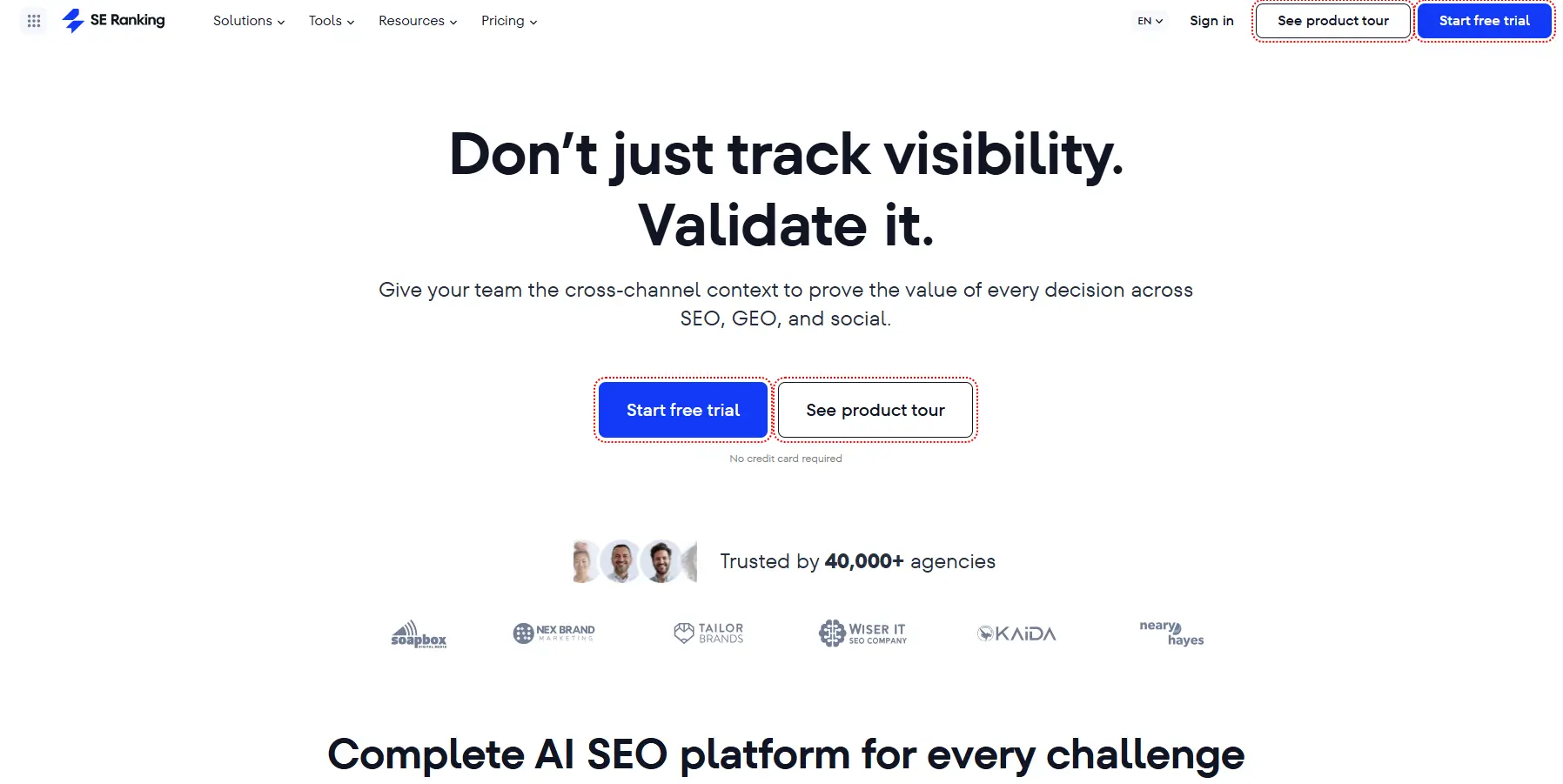
SE Ranking is the tool I recommend most often to people who look at Semrush pricing and quietly close the tab.
It covers the same core ground. Keyword research, rank tracking, site audits, backlink monitoring, competitor analysis, and reporting. The Core plan at $129 per month includes 10 projects, 2,000 daily keyword checks, white-label reporting, and AI search tracking across ChatGPT, Perplexity, Gemini, and Google AI Overviews. Semrush charges extra for most of that.
The interface is also cleaner than the older suites, which lowers the barrier for a small team where nobody is a full-time SEO.
The trade-off is data depth. The keyword database is smaller than Semrush or Ahrefs, so you will hit gaps on very niche queries. For most small businesses and agencies, you will never notice.
Key Features
- Daily rank tracking across major search engines
- Keyword research and competitor keyword gap analysis
- Website and on-page audit
- Backlink research and monitoring
- AI search tracking included in the base plan
- White-label reporting and Looker Studio integration
What I Like
- Roughly the same job as Semrush for a lot less money
- The 14-day trial does not ask for a card
- AI visibility tracking is included, not sold as an add-on
Limitations
- Smaller keyword and backlink databases than the market leaders
- Keyword limits are calculated per search engine, so tracking three engines burns through your allowance three times as fast
- The Agency Pack for advanced client reporting is a $69 per month add-on
Who Should Use It
Freelancers, small agencies, and small businesses that need a real suite and cannot justify $250 a month.
9. Moz Pro – Best for DA Benchmarking and Beginners
| Pricing | Starter $49/mo, Standard $99/mo, Medium $179/mo, Large $299/mo. 20% off annual |
| Best for | Beginners and Domain Authority benchmarking |
| Free trial | 30-day free trial |
| SEO job it owns | Beginner-friendly all-in-one |
| Overall rating | 4.0 / 5 |
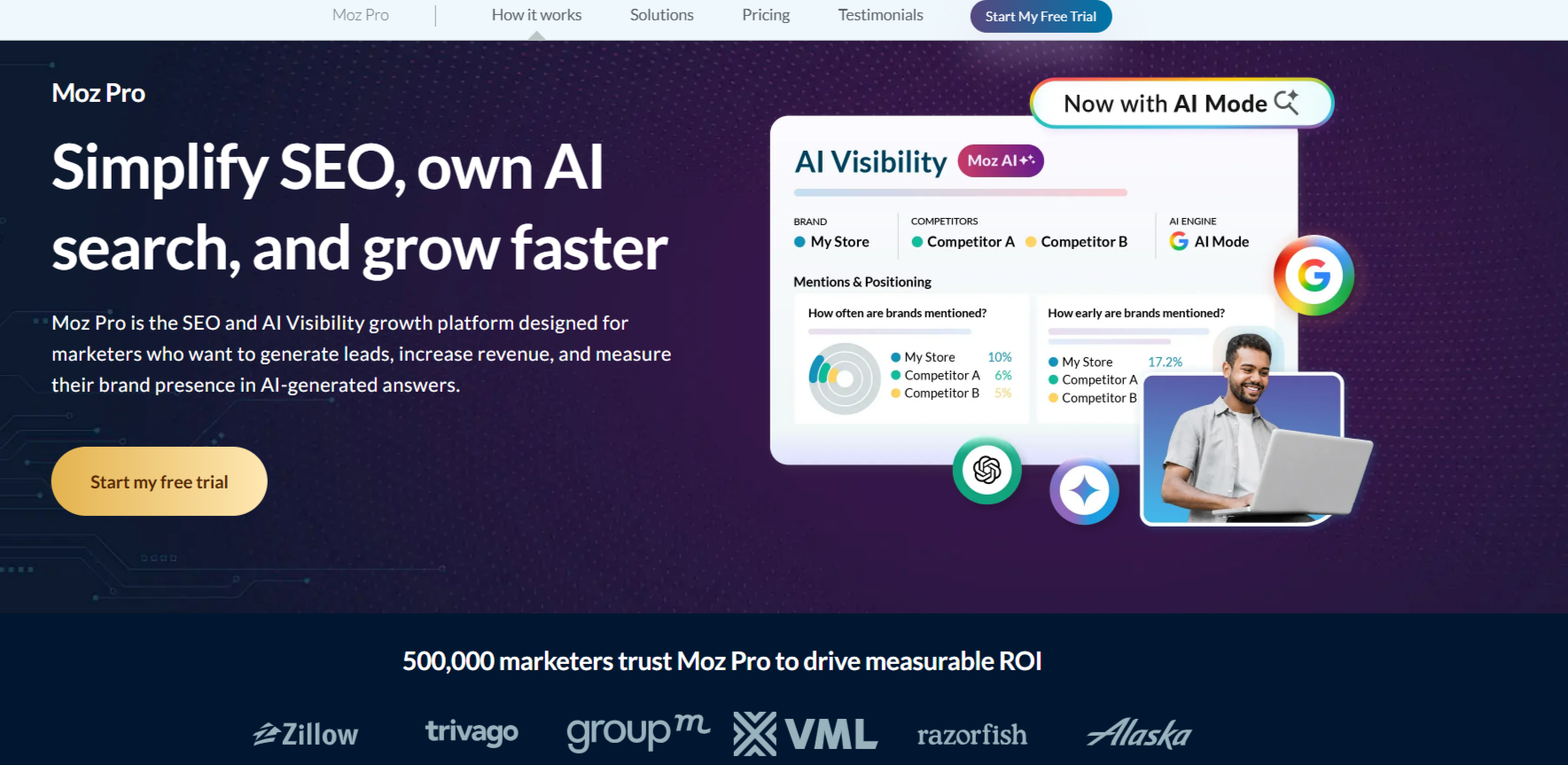
Moz wrote much of the vocabulary the SEO industry now uses. Domain Authority, Page Authority, and Spam Score all came from here, and they are still quoted by tools that compete directly with Moz.
Moz Pro bundles those metrics with keyword research, rank tracking, site crawls, and backlink analysis. Keyword Explorer gives you difficulty scores and a Priority score that tries to balance volume against how realistic the ranking is.
Where Moz genuinely wins is approachability. The interface does not throw fifty features at you on first login, and the free education library is the best in the industry. If you are learning SEO while doing it, that combination matters more than raw data depth.
The 30-day trial is the longest on this list by a wide margin, and it is a real trial, not a demo.
Key Features
- Domain Authority and Page Authority metrics
- Keyword Explorer with Priority scoring
- Site Crawl with prioritized issues
- Link Explorer for backlink analysis
- MozBar Chrome extension
What I Like
- The most forgiving interface of any full suite
- 30-day trial with full access
- The learning resources are excellent and free
Limitations
- Backlink database is smaller than Ahrefs
- Domain Authority is a third-party proxy metric, not a Google ranking factor
- Data quality has fallen behind Semrush and Ahrefs
- Priced similarly to better-equipped tools
Who Should Use It
Beginners who want to learn SEO properly, and teams whose client reports already lean on Domain Authority.
10. Mangools – Best for Keyword Research
| Pricing | Basic $49/mo ($29.90/mo annual), Premium $69/mo ($44.90/mo annual), Agency $129/mo ($89.90/mo annual) |
| Best for | Affordable keyword research and rank tracking |
| Free trial | Free tier plus a 10-day trial, no card required |
| SEO job it owns | Budget keyword research |
| Overall rating | 4.3 / 5 |
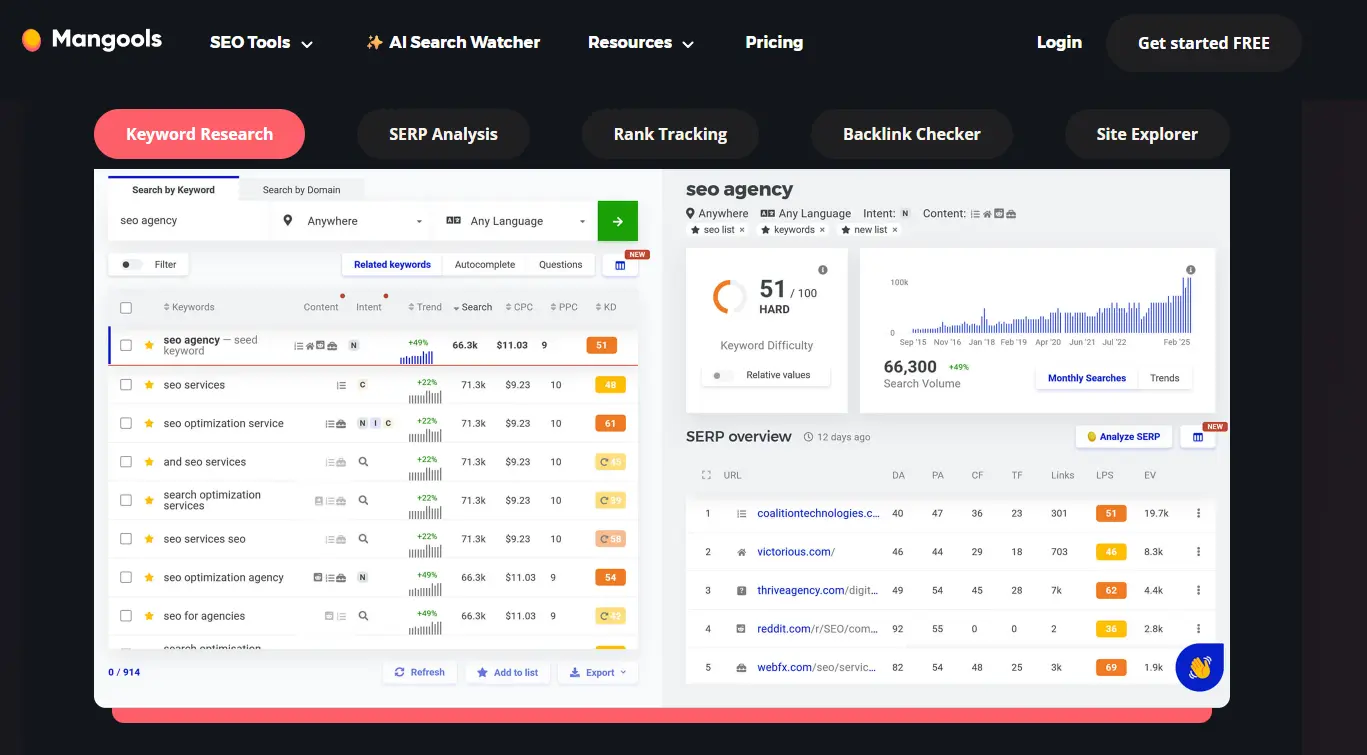
Mangools is five tools in one subscription. KWFinder for keywords, SERPChecker for SERP analysis, SERPWatcher for rank tracking, LinkMiner for backlinks, and SiteProfiler for domain metrics.
KWFinder is the reason people buy it. The keyword difficulty score is one of the more honest ones in the market, and the interface makes long-tail discovery fast instead of tedious. You type a seed keyword, you get realistic suggestions with volume, difficulty, and CPC, and you can see who is ranking without opening a new tab.
At $29.90 per month on annual billing, it costs roughly a fifth of Semrush. It is not as deep, and it will not handle enterprise technical SEO. But for a blogger, a freelancer, or a small business owner who mainly needs keywords and rankings, the gap in usefulness is much smaller than the gap in price.
Every paid tier now bundles AI search tracking at no extra cost, which is a nice surprise at this price point.
Key Features
- KWFinder for long-tail keyword research
- SERPWatcher for daily rank tracking
- LinkMiner for backlink analysis
- SiteProfiler for domain metrics
- AI Search Watcher included on all paid plans
What I Like
- The best price-to-usefulness ratio on this list
- Clean, uncluttered interface that does not require a manual
- All five tools are included on every plan
Limitations
- Backlink data is shallow compared to Ahrefs
- No serious technical SEO or site crawling
- Daily lookup limits can bite during heavy research
- The 48-hour money-back window is short
Who Should Use It
Bloggers, affiliate marketers, freelancers, and small businesses who need solid keyword data and nothing more.
11. Rank Math – Best for On-Page SEO
| Pricing | Free version. PRO from $8.99/mo billed annually, Business $27.99/mo, Agency $64.99/mo |
| Best for | On-page SEO inside WordPress |
| Free trial | Generous free version, 30-day money-back guarantee on paid plans |
| SEO job it owns | On-page SEO |
| Overall rating | 4.6 / 5 |
If your site runs on WordPress, an SEO plugin is where your on-page work actually happens. Rank Math is the one I would install first.
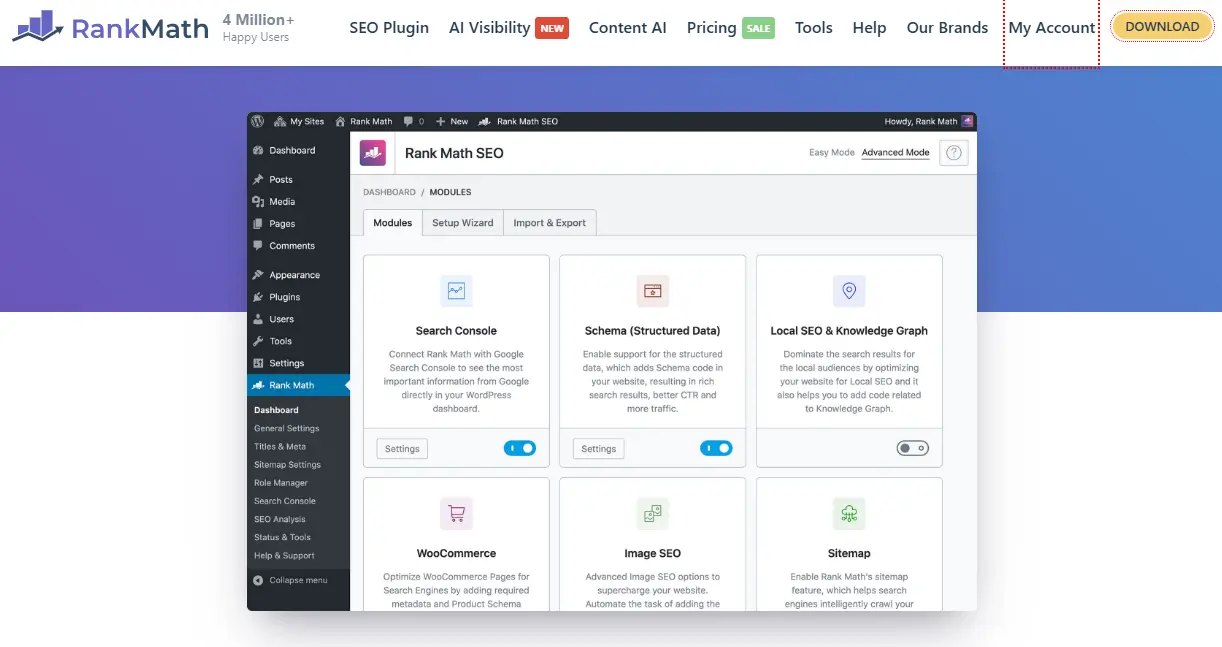
It handles the things you should never do by hand. Title tags, meta descriptions, XML sitemaps, canonical URLs, redirects, 404 monitoring, and schema markup. The on-page analysis runs live in the editor and tells you what is missing before you publish, not after.
Where it stands out against Yoast is the free version. Rank Math gives away features that other plugins charge for, including redirects, 404 management, and schema. For a lot of sites, the free plugin is all you will ever need.
PRO adds rank tracking for 500 keywords directly inside WordPress, Google Analytics integration, and advanced schema types. At under $9 a month, it is the cheapest paid tool on this list by a wide margin.
Key Features
- Live on-page SEO analysis in the WordPress editor
- Automatic XML sitemaps and schema markup
- Redirection manager and 404 monitor
- Keyword rank tracking inside WordPress (PRO)
- Google Analytics and Search Console integration
What I Like
- The free version is more capable than most paid plugins
- Setup wizard gets a new site configured in minutes
- Very light on site performance
Limitations
- WordPress only
- Renewal prices are higher than the promotional first-year price
- Some Content AI features are sold as a separate add-on
- The SEO score can push you toward over-optimizing
Who Should Use It
Every WordPress site. Start with the free version and upgrade only when you want the built-in rank tracking.
12. Clearscope – Best for Content Optimization
| Pricing | Essentials $129/mo, Business $399/mo, Enterprise custom. Unlimited users on all plans |
| Best for | Editorial teams optimizing content at volume |
| Free trial | None |
| SEO job it owns | Content optimization |
| Overall rating | 4.4 / 5 |

Clearscope does the same core job as Surfer, but it is built for editorial teams rather than solo writers.
You give it a keyword, it analyzes the ranking pages, and it produces a content report with recommended terms, a target word count, and a letter grade from F to A+. Writers work inside Google Docs and watch the grade move in real time. It is the least disruptive optimization workflow I have used.
Topic Explorations is the feature that justifies the price. Instead of researching a single keyword, you research a topic, and Clearscope maps the sub-topics, questions, and angles into a full content cluster. One exploration can plan an entire pillar and its supporting articles.
Content Inventory then monitors your published pages and flags the ones that are decaying, which is where most sites are quietly losing traffic without noticing.
Unlimited users on every plan is unusual and makes the math work better for teams of three or more.
Key Features
- Content reports with real-time grading in Google Docs
- Topic Explorations for content cluster planning
- Content Inventory for tracking decaying pages
- AI drafting assistant
- AI prompt tracking across ChatGPT and Gemini
What I Like
- The Google Docs experience does not get in the writers’ way
- Topic Explorations is genuinely strategic, not just a keyword list
- No per-seat charge
Limitations
- $129 a month is steep for a solo writer
- No free trial, so you are testing on a paid plan
- Not a technical SEO or backlink tool
- No white-label option for agencies
Who Should Use It
Content teams with multiple writers and a real publishing cadence. Solo bloggers should look at Surfer or Frase instead.
13. Profound – Best for AI Visibility
| Pricing | Starter $99/mo (ChatGPT only), Growth $399/mo, Enterprise custom |
| Best for | Tracking how AI answers talk about your brand |
| Free trial | None |
| SEO job it owns | AI visibility |
| Overall rating | 4.2 / 5 |
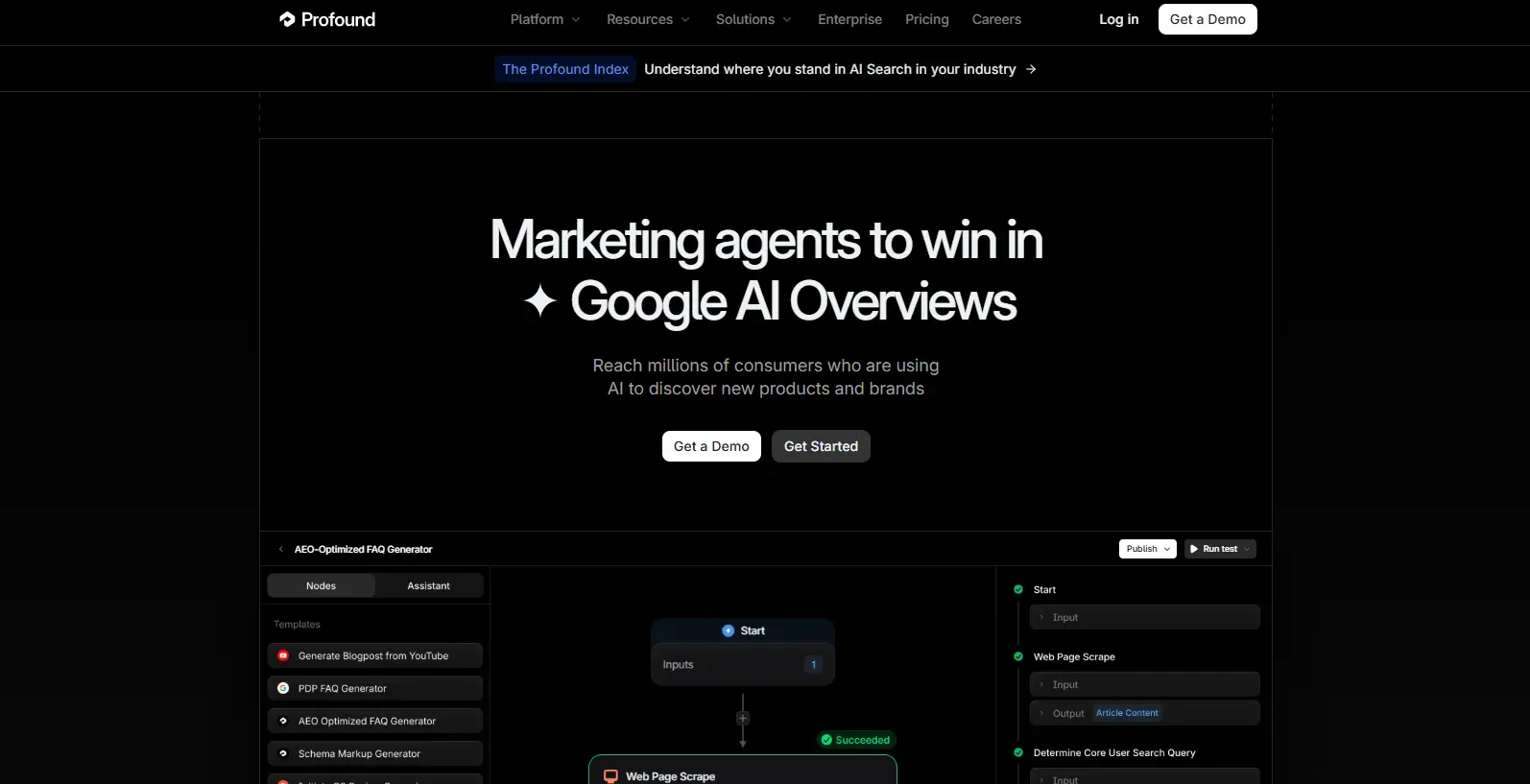
This is the newest job in SEO and the one most people are still ignoring. A growing share of your audience is getting answers from ChatGPT, Perplexity, and Google AI Overviews without ever clicking through to a website. If those systems never mention you, your rankings are worth less than they used to be.
Profound is the most established tool built specifically for this problem. It tracks how often your brand appears in AI-generated answers, in what context, with what sentiment, and which sources the models cite when they answer questions in your category.
Its differentiator is real prompt volume data. Instead of guessing what people ask AI tools, Profound shows you what they actually ask, which turns AI visibility from a vanity metric into a content plan.
The pricing is the problem. The $99 Starter plan only covers ChatGPT. Adding Perplexity and Google AI Overviews jumps you to $399. Broader model coverage is enterprise-only and not publicly priced.
Key Features
- Brand visibility tracking across major AI answer engines
- Real user prompt volume data
- Citation analysis showing which sources AI models trust
- Competitor share of voice in AI answers
- Agent analytics showing how AI crawlers use your site
What I Like
- The prompt volume data is not available anywhere else
- Citation analysis tells you exactly which sites to get mentioned on
- The most mature product in a young category
Limitations
- Expensive, and the useful tier starts at $399
- The entry plan tracks ChatGPT only
- No free trial or free tier
- The whole category is young, so the methodology will keep changing
Who Should Use It
Established brands with a budget who need to know what AI is saying about them. If you are smaller, the AI tracking bundled into SE Ranking or Semrush will get you most of the way for far less.
14. LowFruits – Best for Keyword Research for New Sites
| Pricing | Pay-as-you-go credit packs, plus subscriptions from roughly $25/mo billed yearly |
| Best for | Finding keywords a new site can actually rank for |
| Free trial | First analysis free, 14-day money-back guarantee |
| SEO job it owns | Keyword research for new sites |
| Overall rating | 4.3 / 5 |
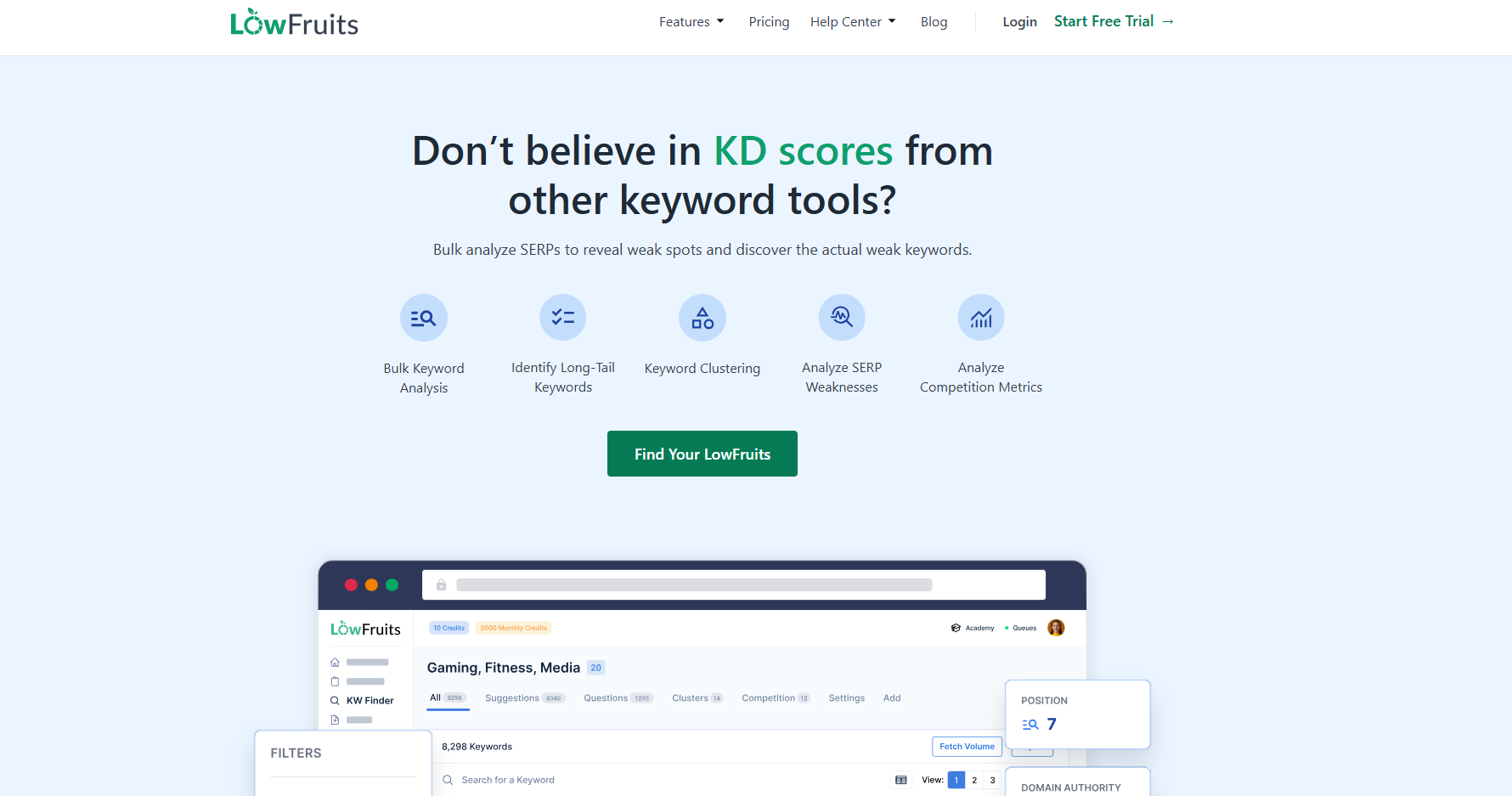
Most keyword tools show you every keyword that exists. That is useful once you have authority. When you are new, it hands you a list of terms that industry giants are fighting over and you have no realistic shot at any of them.
LowFruits solves a narrower problem, and it solves it well. It analyzes the actual search results for a keyword and flags Weak Spots, meaning low-authority sites that are currently ranking on page one. If a forum post and a site with no backlinks are sitting in the top ten, you can get there too.
This is the single most common mistake I see new sites make. They do keyword research, target high-volume competitive terms, publish ten posts, get nothing, and conclude that SEO does not work. It does. They just started at the wrong end of the difficulty curve.
The clustering feature is worth using before you write anything, because it tells you which keywords belong in one article and which need their own page.
Key Features
- SERP analysis with Weak Spot identification
- Keyword clustering by search intent
- Competitor keyword and sitemap extraction
- Domain Explorer for finding low-competition niches
- Pay-as-you-go credits that last a year
What I Like
- The Weak Spot idea is the most useful thing in beginner keyword research
- Pay-as-you-go credits mean you are not locked into a subscription
- Clustering prevents you from writing posts that compete with each other
Limitations
- Narrow tool, it does one job
- The credit model takes some getting used to
- No site audits, no backlink index, no content optimization
Who Should Use It
New sites, niche sites, and anyone whose domain is not strong enough to compete for head terms yet.
15. ChatGPT – Best For Ideation and Workflow
| Pricing | Free version available. Plus is $20/mo. Team and Enterprise plans available |
| Best for | Strategy, briefs, and clearing repetitive work |
| Free trial | Free version |
| SEO job it owns | Ideation and workflow |
| Overall rating | 4.2 / 5 |
ChatGPT is not an SEO tool in the traditional sense, and treating it like one is how people get burned. It cannot crawl your site, it cannot track rankings, and it does not know what is currently ranking on Google.
What it is very good at is everything around the data. Turning a messy keyword export into a prioritized list. Drafting outlines and content briefs. Explaining a technical SEO issue in plain language when you are stuck. Generating schema markup. Writing fifty meta description variations in the time it takes to write three.
The honest caveat is that anything factual it produces has to be checked. It will state wrong numbers with total confidence. Use it to think faster, not to think for you.
At $20 a month, it is the cheapest productivity gain available to an SEO team, which is why it earns a spot despite not being an SEO tool at all.
Key Features
- Content outlines, briefs, and meta description generation
- Schema markup (JSON-LD) generation from a description
- Explaining technical SEO problems in plain language
- Keyword list analysis and prioritization
- Brainstorming content angles and clusters
What I Like
- Removes hours of repetitive work every week
- Excellent thinking partner for strategy problems
- Cheap relative to every other tool on this list
Limitations
- No live search, ranking, or keyword data
- Confidently produces factual errors that must be verified
- Output quality depends entirely on how well you prompt it
- Not a replacement for any tool above
Who Should Use It
Every SEO and content team, alongside the data tools, never instead of them.
Best Free SEO Tools
You can get further on free SEO tools than most people believe. I have watched sites with a free-only setup outrank sites paying $500 a month, because the tool is not what makes you rank.
Here is the free stack worth setting up before you spend a rupee or a dollar.
| Free tool | What it does |
|---|---|
| Google Search Console | Your real ranking, click, and indexing data |
| Google Analytics 4 | What visitors do after they land |
| Google Keyword Planner | Search volume ranges straight from Google |
| Google PageSpeed Insights | Core Web Vitals and speed fixes |
| Screaming Frog (free) | Technical crawl of up to 500 URLs |
| Bing Webmaster Tools | Bing performance data, and it feeds Copilot |
| Rank Math (free) | On-page SEO and schema in WordPress |
What free tools cannot do. They will not show you which keywords your competitors rank for. They will not tell you your daily position changes or how you compare to a specific rival. They will not give you a usable backlink index. And they will not track whether AI answers mention your brand. Those four gaps are what you are actually paying for when you upgrade.
Best SEO Tools for Beginners
The mistake I see most often is buying Semrush in week one and never opening it. Do not do that. Sequence it instead.
Month 1. All free. Set up Google Search Console and Google Analytics 4. Install Rank Math and run the setup wizard. Use Google Keyword Planner for your first content ideas. Total cost: nothing.
Months 2 to 3. Get strategic. Add a keyword tool. LowFruits if your site is brand new, Mangools if you want broader coverage. Run a Screaming Frog crawl to catch anything broken. Check PageSpeed Insights and fix the top two or three issues.
Month 4 and beyond. Go deeper. Start a trial of a full suite when you can name exactly what you would do with competitor data. Not before.
The four beginner mistakes worth avoiding:
- Paying for Semrush or Ahrefs before you have squeezed everything out of Search Console
- Installing six tools at once, getting overwhelmed, and using none of them
- Chasing a perfect content score. A 60 score on genuinely better content beats a 100 score on filler
- Setting up Search Console and never opening it again. Check it weekly. That is where your opportunities are hiding
Best SEO Tools for Small Businesses
Small businesses have a different problem. One person is usually doing marketing, sales, and everything else, and local visibility often matters more than national rankings.
The stack I would build:
- Google Business Profile. Free, and for a local business it will outperform every paid tool on this list.
- Google Search Console and Analytics 4. Free. Non-negotiable.
- SE Ranking Core ($129/mo) or Mangools Basic ($29.90/mo annual). SE Ranking if you want the full suite with local rank tracking and white-label reports. Mangools if you mainly need keywords and rankings and want to keep costs low.
- Rank Math free. On-page SEO handled inside WordPress.
- Screaming Frog free. One crawl every few months.
A working small business stack under $100 a month: Mangools Basic at $29.90, plus every Google tool free, plus Rank Math free. That is $359 a year, total, and it covers keyword research, rank tracking, backlinks, on-page SEO, technical audits, and analytics.
That setup is more than enough to compete locally. Spend the money you saved on actually publishing content.
Best SEO Tools for Agencies
At agency scale, the features that matter change completely. Data depth stops being the deciding factor. Seats, crawl caps, multi-site dashboards, and client-ready reports become the deciding factors.
What to check before you buy:
- Seat count. Semrush charges $45 to $80 per extra user per month. Ahrefs charges $40 to $80. Nightwatch includes unlimited users. Over a five-person team, that difference is thousands of dollars a year.
- Crawl and keyword caps. SE Ranking calculates keyword limits as keywords multiplied by search engines. Track 500 keywords across three engines and you have used 1,500 units. Read the fine print before you commit.
- Whether white-label actually means white-label. Some tools call it white-label when they just let you drop your logo in a corner. Check before you promise a client a branded report.
The agency stack:
- Semrush or Ahrefs for competitive intelligence and backlinks
- Nightwatch or SE Ranking for daily rank tracking and white-label client reports
- Screaming Frog for deep technical audits, at £199 per seat per year
- Google Search Console and Analytics 4 on every client property
- Looker Studio to pull it all into one dashboard
Budget roughly $300 to $600 per month for a small agency running this properly.
How to Choose the Right SEO Tool
Most people buy an SEO tool the wrong way round. They read a list, pick the most popular option, subscribe, and then try to work out what to do with it. Six months later they are paying for something they open twice a month.
Here is a better way to think about it.
1. Start with your actual problem, not the tool.
Ask yourself one question. Why is my site not growing?
There are usually only four honest answers, and each one points to a different tool.
| The problem | What it looks like | What you need |
|---|---|---|
| You do not know what to write about | You publish, but nothing gets traffic | A keyword tool |
| Your site is technically broken | Pages are not indexed, or the site is slow | A crawler |
| Nobody links to you | Good content, but you cannot outrank anyone | A backlink tool |
| Your content is not good enough | You rank on page two and stay there | A content optimization tool |
Buy the tool that fixes your bottleneck. Ignore the rest for now.
Do not pay for the same features twice
Semrush, Ahrefs, SE Ranking, and Moz all do keyword research, backlinks, site audits, and rank tracking. They overlap almost completely.
Subscribing to two of them is the most common way people waste money on SEO. Pick one suite, learn it, and then add specialist tools only where that suite is genuinely weak. Screaming Frog for deep crawls. Nightwatch for precise rank tracking. Surfer or Clearscope for content.
Test before you commit
Free trials exist for a reason. Run the same site audit through two different tools and compare what comes back.
The right tool is not the one with the most data. It is the one that hands you a list of fixes you could start on tomorrow morning. If a report leaves you staring at a dashboard with no idea what to do next, that tool is not working for you.
Know when free is no longer enough
Stay on free tools while you are still learning the basics and publishing your first posts. You are ready to pay when any of these becomes true.
- You are tracking more than 15 keywords by hand, and it is eating your time
- You publish regularly, but you cannot tell why some posts work, and others do not
- You need to see what your competitors rank for
- You are managing more than one site or client
One last thing nobody checks
Before you subscribe, find out what happens to your data if you cancel. Can you export your keyword lists, your rankings history, your reports? Most people only ask this question on the day they leave, which is the worst possible day to find out the answer.
Final Thoughts
The tool is not what makes you rank.
I have used almost every tool on this list, and the pattern is always the same. The sites that grow fastest are not the ones with the biggest software budget. They are the ones who picked a small set of tools, learned them properly, and kept publishing.
Pick one tool per job. Learn it until you are genuinely fast with it. Then get back to the work, which is publishing content that is better than what is already ranking.
That has not changed, and it is not going to.

