
Survey Maker
Create professional surveys, feedback forms, and research questionnaires.
Build a New Survey
Add questions, preview, and export to JSON, TXT, or CSV.
Create surveys, feedback forms, polls, and research questionnaires in minutes with Resourcera’s free survey maker. Add your survey details, generate questions, edit them in the builder, preview the final form, and export your survey in TXT, CSV, or JSON format.
Free Survey Maker
Create professional surveys for market research, customer feedback, product research, employee feedback, and academic projects in minutes.
Build your survey, customize each question, preview the respondent experience, and export in multiple formats — all free, directly in your browser. No account required.
No survey generated yet
Fill in the Survey Setup tab and click Generate Survey, or pick a template from the Templates section below.
No survey to preview
Generate or build a survey first to see the live preview.
Click Run Quality Check to analyze your survey.
Explore the free tools and calculators for market research and surveys.
How to Create a Survey Online
Creating a survey with this tool takes three steps:
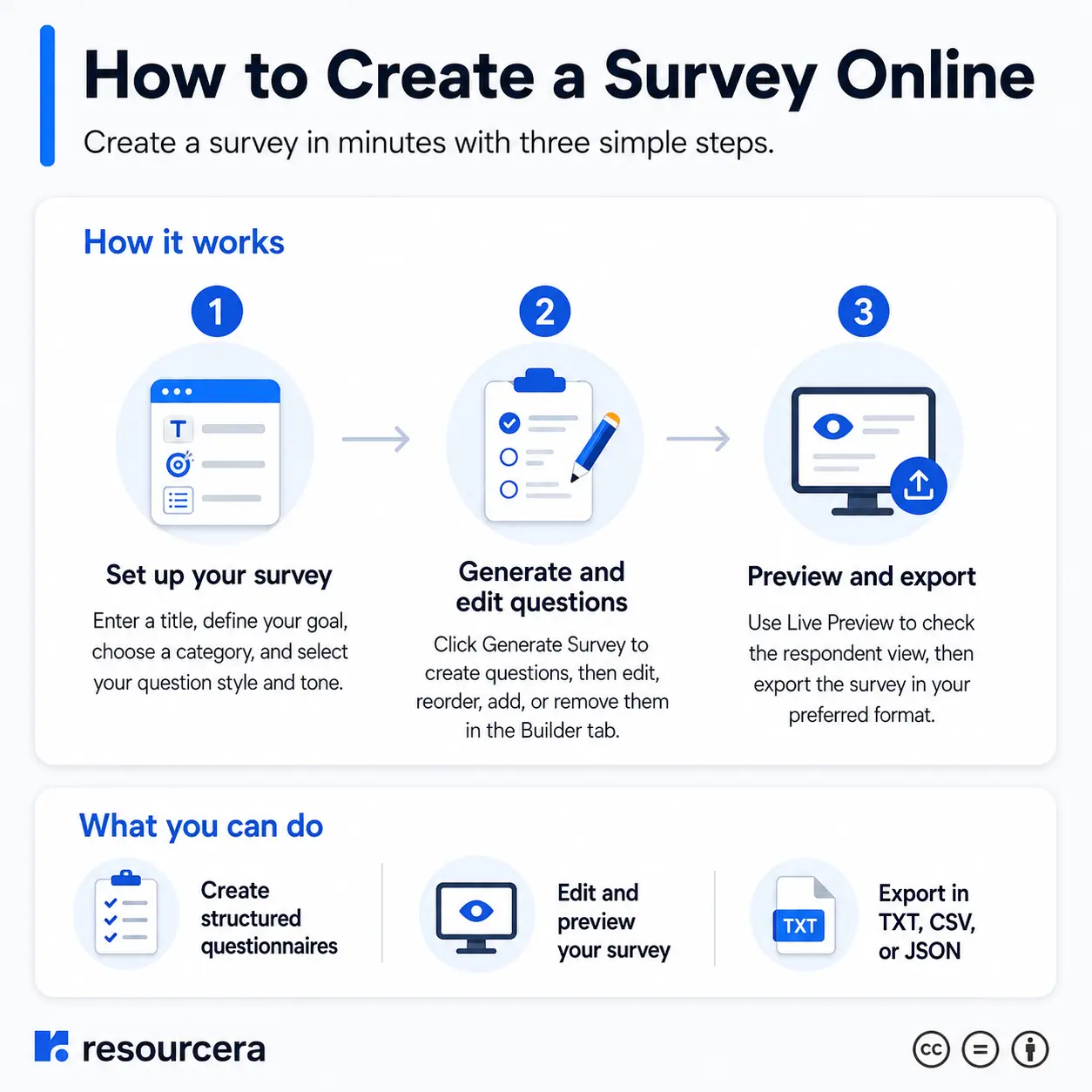
- Set up your survey. Enter a title, define your goal, choose a category, and select your preferred question style and tone.
- Generate and edit questions. Click Generate Survey to create a ready-to-use set of questions based on your inputs. Then open the Builder tab to edit, reorder, add, or remove questions.
- Preview and export. Use the Live Preview tab to see the respondent-facing version of your survey. When you are satisfied, export it in your preferred format.
What Is a Free Survey Maker?
A free survey maker is an online tool that lets you build, customize, and share surveys without paying for software or creating an account. This tool from Resourcera allows you to create structured questionnaires directly in your browser. You can choose question types, set answer options, preview the respondent experience, and export the final survey in formats like TXT, CSV, or JSON.
Unlike enterprise survey platforms, this tool is designed for simplicity. It is suited for small businesses, freelancers, researchers, educators, and teams that need a fast and reliable way to collect structured feedback without complex setup.
Types of Surveys You Can Create
This tool supports a wide range of survey types:
- Customer satisfaction surveys to measure how well your product or service meets customer expectations.
- Market research surveys to understand target markets, consumer behavior, and competitive positioning.
- Product feedback surveys to gather input on specific features, usability, and satisfaction.
- Employee engagement surveys to assess team morale, alignment, and workplace satisfaction.
- NPS surveys to measure how likely customers are to recommend your business.
- Academic research surveys for structured data collection in educational or institutional projects.
- Event feedback surveys to evaluate attendee experience after conferences, webinars, or workshops.
- Website UX feedback surveys to understand how users interact with your site.
Best Practices for Writing Survey Questions
Well-written questions produce reliable data. Follow these principles:
Keep questions clear and direct
Avoid long, complex sentences. One question should address one topic only.
Avoid leading questions. Questions that suggest a preferred answer introduce bias and skew results.
Do not combine two questions into one. “Was the product affordable and easy to use?” is a double-barreled question. Split it into two separate items.
Use consistent scales
If you use a 1 to 5 rating scale, keep that scale throughout the survey.
Start with easy questions. Warm respondents up with simple, non-sensitive items before asking for detailed opinions.
Limit open-ended questions
They take more time to complete. Use them strategically for qualitative insight.
Pilot test your survey. Have a colleague complete the survey before distribution to identify confusing questions.
Common Survey Mistakes to Avoid
- Making the survey too long: surveys over 15 questions see significantly lower completion rates.
- Using industry jargon that respondents may not understand.
- Including double-barreled or leading questions that distort responses.
- Offering incomplete answer options, such as missing a neutral midpoint on a rating scale.
- Forgetting to include a clear purpose statement at the start of the survey.
- Not informing respondents how their data will be used.
- Sending the survey to the wrong audience, which reduces the relevance of results.
Who Can Use This Free Survey Maker?
This tool is built for anyone who needs to create structured surveys without technical knowledge or a subscription:
- Small business owners collecting customer or employee feedback.
- Product managers running product discovery or validation research.
- Marketers conducting brand awareness or pricing research.
- HR professionals running employee satisfaction or onboarding surveys.
- Academics and students gathering data for research projects.
- Event organizers collecting post-event feedback.
- UX designers and researchers evaluating website or app usability.
- Nonprofit organizations gathering community input or program feedback.
